
Secure ecoPayz 2FA Options for Online Casino Players
 Available in GB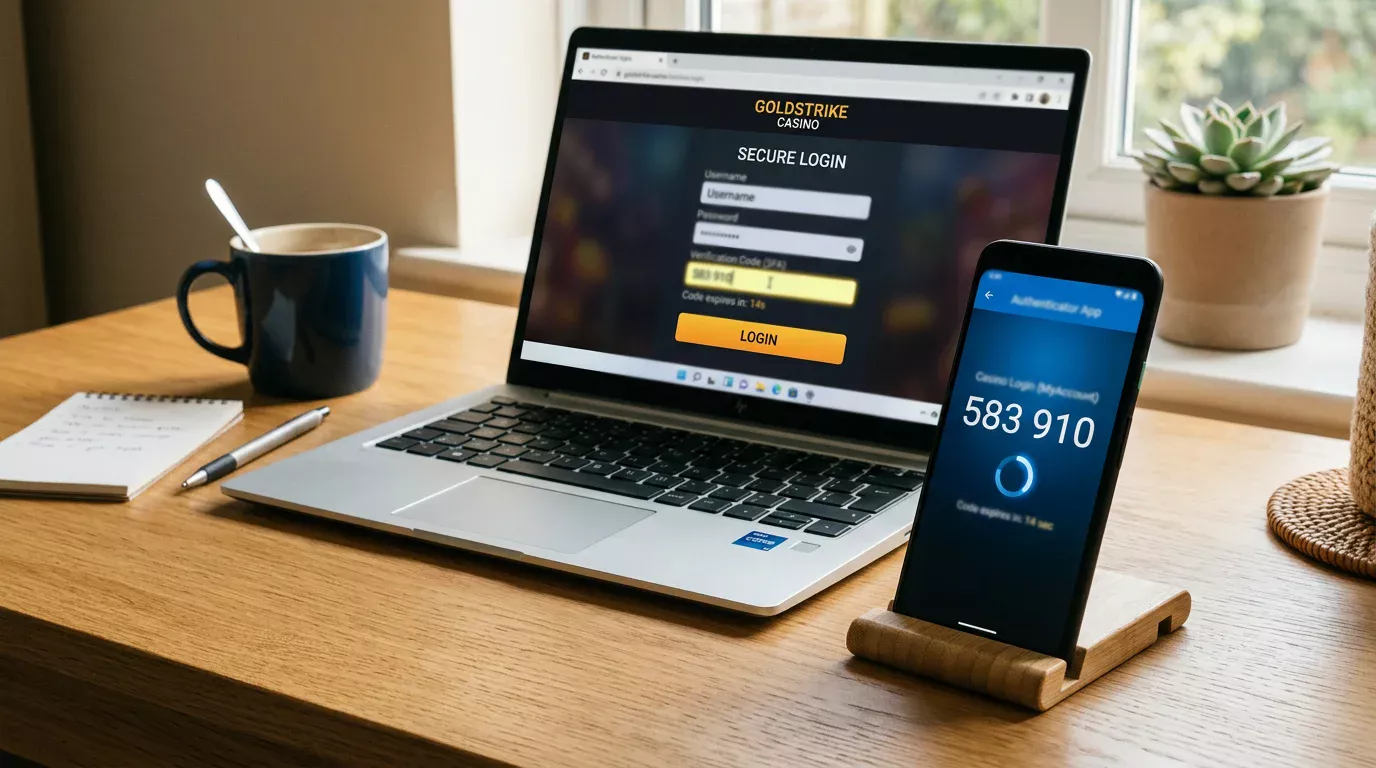
If you take one action after reading anything I write about Payz, make it this: turn on 2FA. Every account breach case a reader has brought to me over the years had one thing in common — 2FA was either disabled or set to a recovery channel the attacker already controlled. The wallet is well-engineered at the platform level, with 256-bit SSL on the transport layer and PCI DSS compliance on the data side. What it cannot do is protect an account whose owner has chosen to leave the second factor switched off.
What I want to do here is walk you through the specific 2FA architecture Payz supports, how to configure it before you make a casino deposit, and how the second factor interacts with cashier flows. The aim is not to oversell security but to set the technical floor correctly. A well-configured 2FA does not eliminate risk; it raises the cost of compromise enough that attackers move on to softer targets.
Two-Factor Protocols Maintained by Payz
The wallet supports three second-factor methods, and they are not equivalent. Knowing which one you are using and why matters more than the headline “I have 2FA enabled”.
Authenticator apps generate time-based one-time passwords on your device — Google Authenticator, Authy, Microsoft Authenticator, or any compatible app. This is the strongest option for the typical user. The codes are generated locally on your phone, never transmitted, and not vulnerable to SIM swap attacks. The trade-off is that loss of the device means you need a recovery code, and most users skip that step at setup. Set it up and store the recovery codes somewhere offline, not in a cloud note that an attacker might also reach.
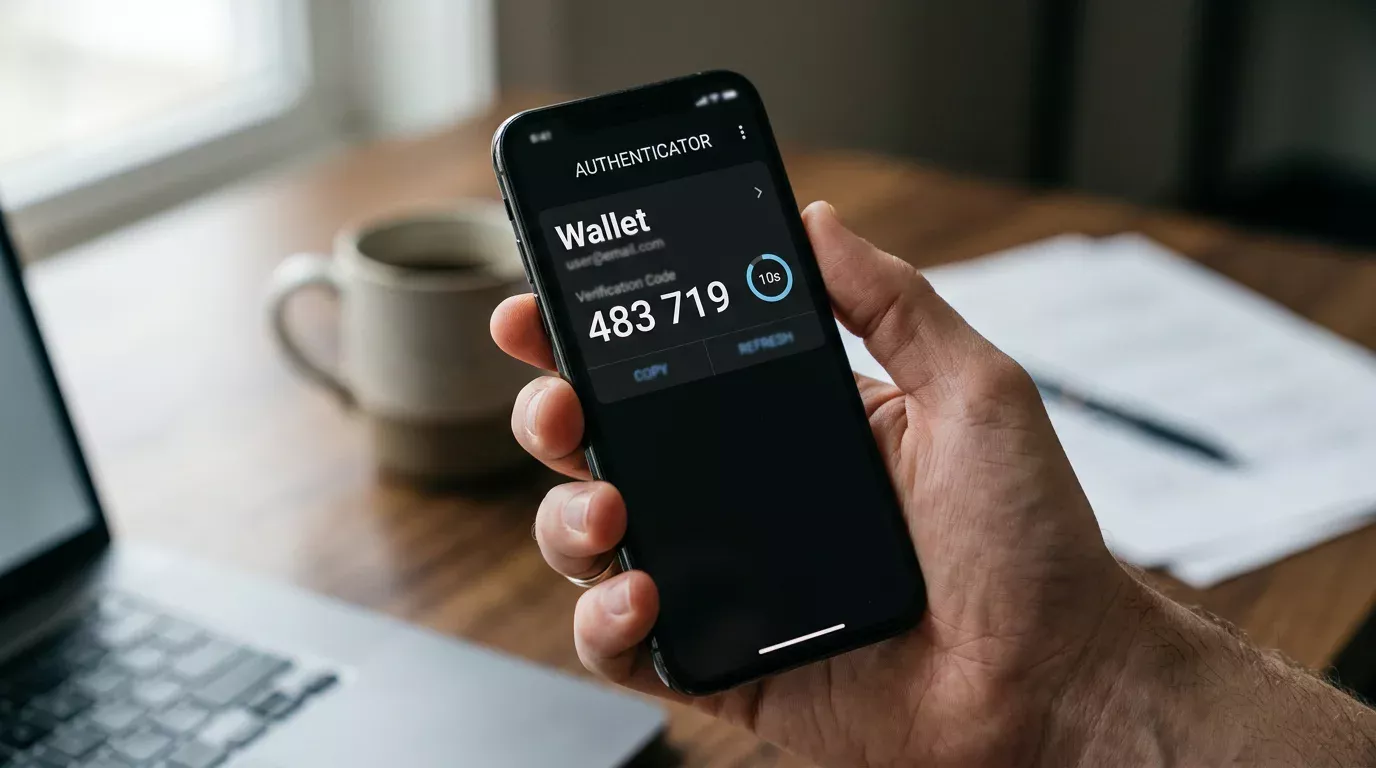
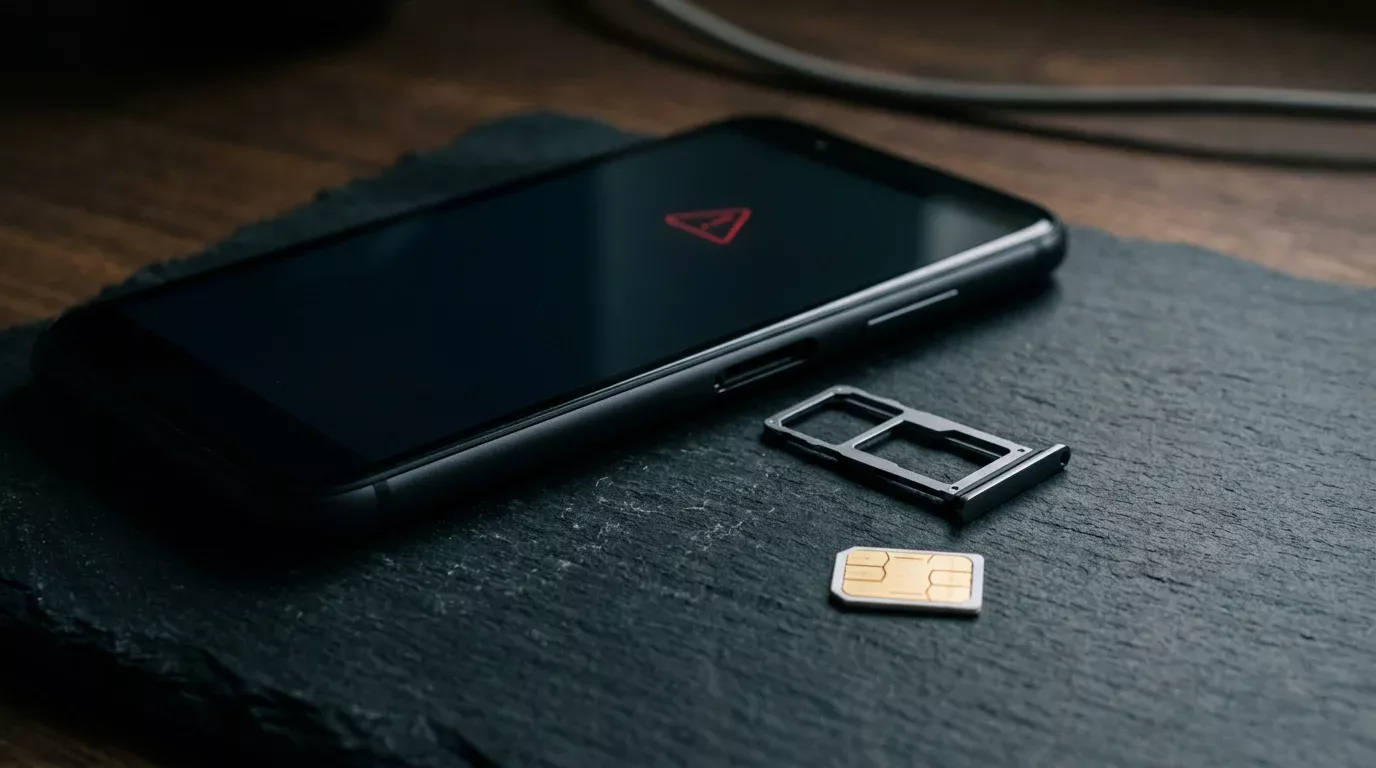
SMS one-time passwords arrive as text messages to your registered mobile number. They are convenient and widely understood, but they are also the weakest 2FA method on offer. SIM swap attacks — where an attacker convinces your mobile carrier to port your number to their device — defeat SMS 2FA entirely, and several high-profile UK e-wallet account compromises have started this way. SMS is better than no 2FA, but worse than an authenticator app or hardware key.
Email-based 2FA arrives as a code sent to your registered email. Its security depends entirely on the security of the email account. If the email account itself is protected by strong 2FA, email 2FA on Payz inherits that protection. If the email account is on a free webmail service with a weak password and no second factor, email 2FA gives an attacker who breaches the email full access to your wallet.
The threat picture frames the choice. UK gambling-adjacent fraud is significant — about 89% of illegal sports streams in the UK in the first half of 2025 contained advertising for illegal gambling operators, alongside malware and keystroke loggers. Players who reach a casino through dubious channels have substantially elevated risk of credential compromise, and Payz accounts are an obvious target because they hold balance and are linked to verified identities. The 2FA layer is the single most cost-effective defence.
Enabling 2FA Step by Step
Log into your Payz wallet through the official site or the app. Navigate to the security settings — the exact label varies by interface version but is generally under “Account Settings” or “Security”. You will see a 2FA option with the available methods listed.
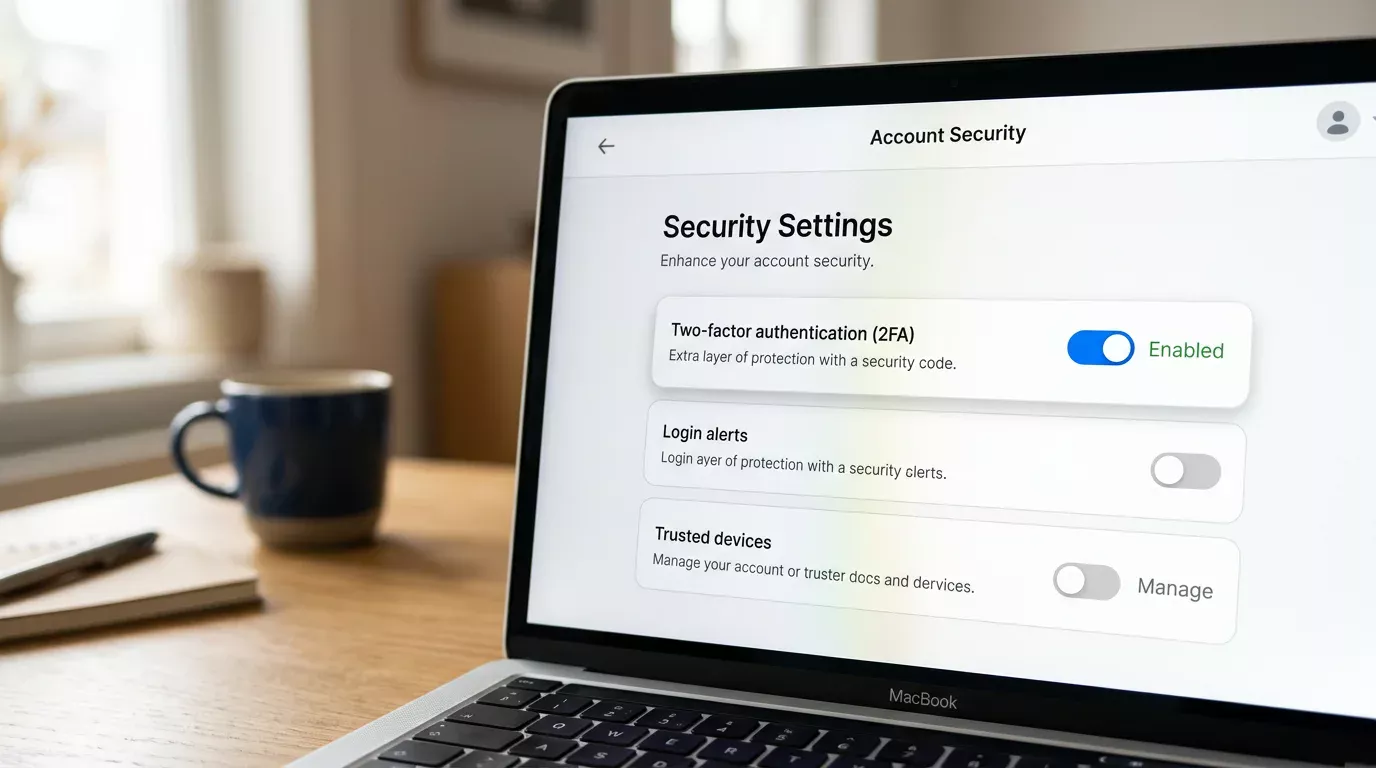
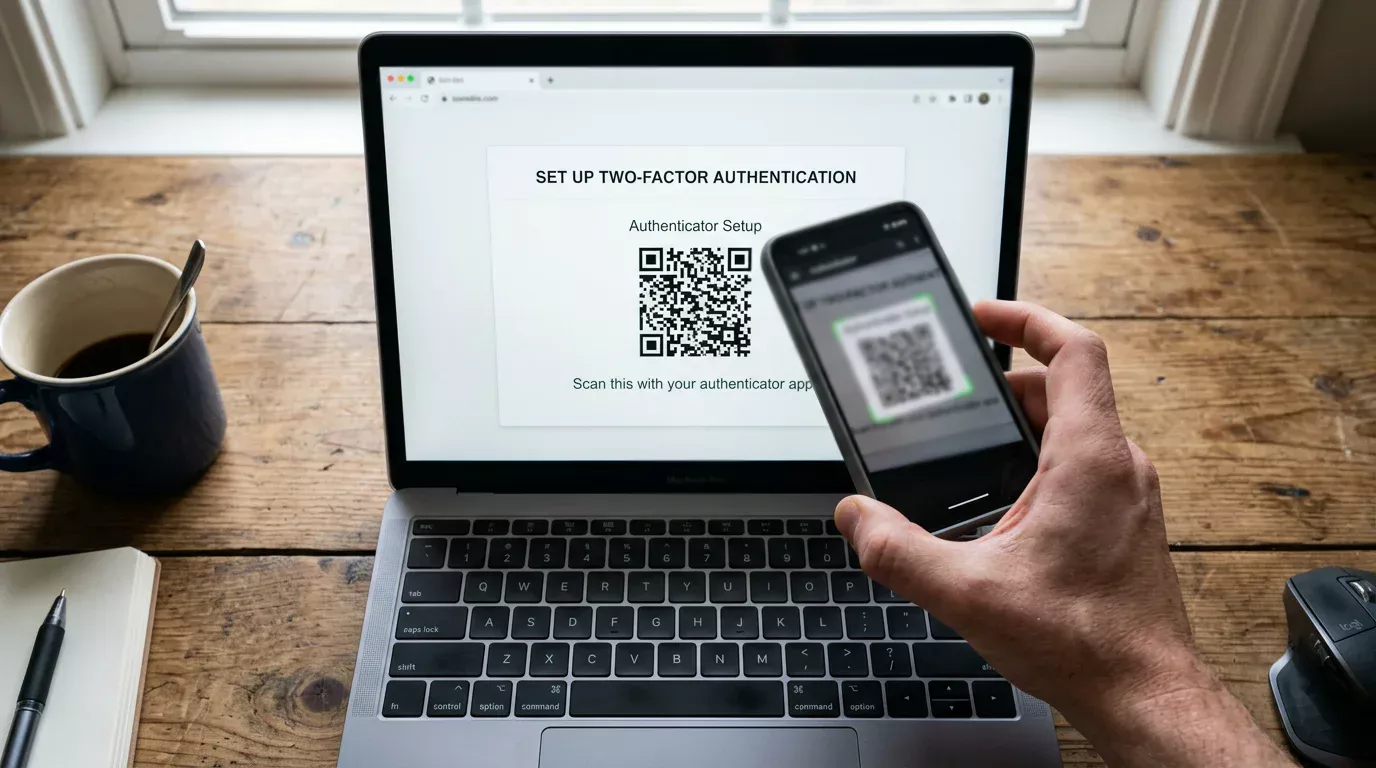
If you have a choice and no specific reason otherwise, choose the authenticator app option. The wallet will display a QR code. Open your authenticator app on your phone, tap “add account”, and scan the QR code. The app will generate a six-digit code that refreshes every 30 seconds. Enter the current code into the Payz wallet to confirm setup. The wallet will then display a set of recovery codes — typically eight to ten one-time codes that can each be used once to recover access if you lose the device.
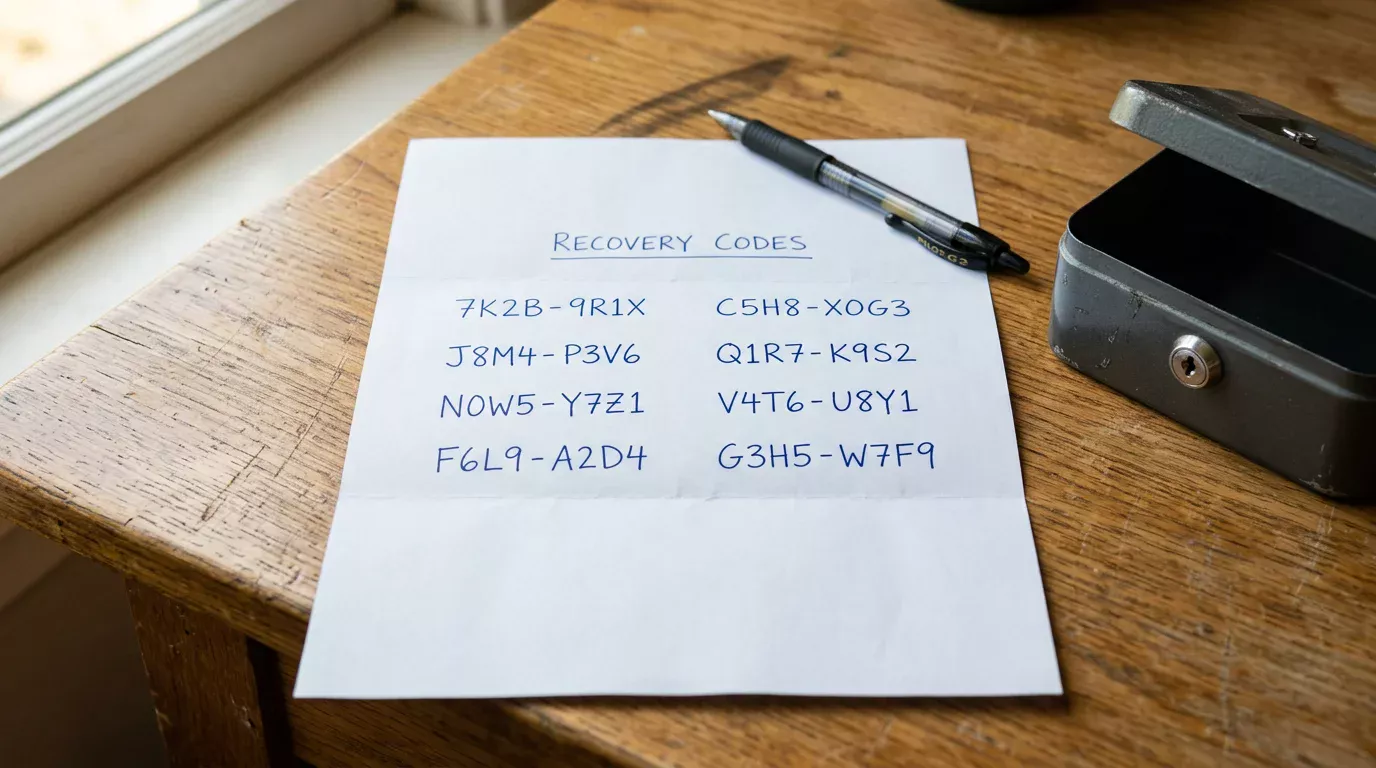
Recovery codes are the part most users skip. Print them, write them down, or store them offline somewhere you control. Do not store them in the same cloud account that controls your email — that defeats the purpose. A piece of paper in a drawer is better than a cloud note for this. If you lose access to both your phone and your recovery codes, the only recovery path is PSI-Pay’s customer support process, which involves identity verification and takes days to weeks.
Confirm the 2FA is active by logging out of the wallet and back in. You should see a prompt for the second factor. If you do not, the setup did not complete — repeat the process. Some users have configured 2FA in a partial state where the wallet accepts the code on certain actions but not others; this is a known confusion that originates with a setup that was interrupted before completion.
Add a second method as a backup once the primary is working. Email 2FA configured as a fallback to authenticator app gives you a recovery path that does not depend on the recovery codes. The Payz wallet allows multiple 2FA methods on the same account, and using two together strengthens the position considerably.
How 2FA Behaves During Cashier Flows
This is the section where most people misjudge what 2FA actually does at the casino cashier. The second factor is not requested on every transaction. It is requested on actions the wallet’s risk engine considers elevated, and the threshold varies with your account profile and history.
On a routine deposit from a wallet you regularly use to a casino you regularly deposit at, the 2FA layer is often silent — the wallet recognises the device, recognises the merchant, and authorises the transaction without an explicit second-factor prompt. The first deposit at a new casino is more likely to trigger a 2FA prompt. A deposit substantially larger than your historical pattern is more likely still. A withdrawal to a new beneficiary almost always triggers it.
This means a player who has had 2FA enabled for months may not see a prompt on a given day’s cashier session. That is the wallet’s risk engine doing its job, not a sign that 2FA is broken. The prompt appears when it adds genuine value to the security position.
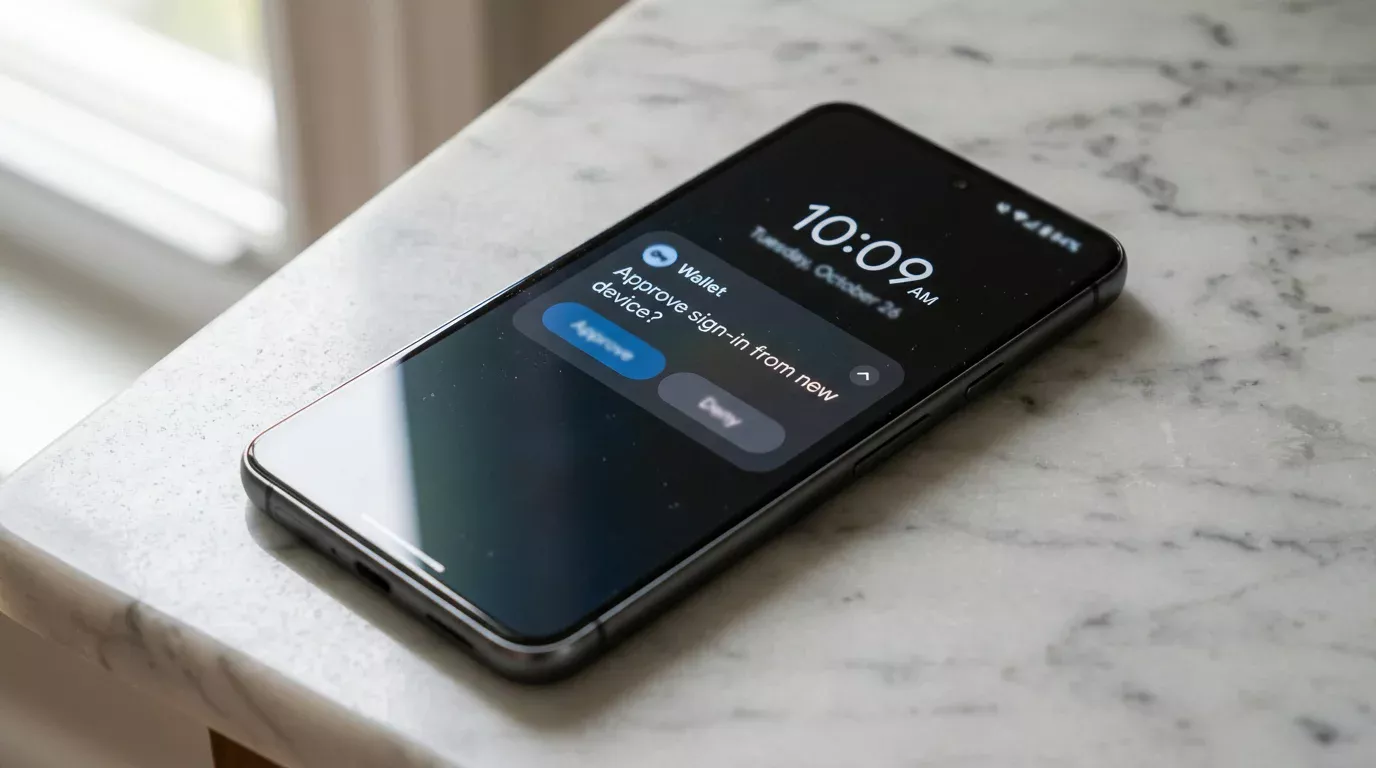
Two cashier-specific behaviours worth knowing. First, the 2FA prompt may surface inside the Payz app rather than in the casino’s cashier interface. On a mobile flow this is usually a push notification you tap to approve; on desktop it is often a redirect to the Payz site. Either way, the operator does not see the second factor itself, only the eventual authorisation.
Second, if the 2FA prompt times out — typically 60 to 120 seconds — the deposit fails and you have to retry from the cashier. The reserved amount on your Payz wallet usually releases within minutes, but if you re-attempt immediately you may see a temporary error about insufficient balance until the reservation clears. Wait a minute, not three seconds, before retrying.
The interaction with operator-side privacy is worth a moment of consideration. The second factor is invisible to the casino, but the fact that a transaction was successfully authorised is visible. From a player perspective, 2FA does not affect what the casino sees, only what the wallet authorises. I cover what the operator and your bank actually see when a Payz deposit lands in my walk-through of ecoPayz casino privacy and bank statement descriptors.
Recovery When 2FA Fails
The two failure modes are device loss and second-factor mismatch. Each has a different recovery path.
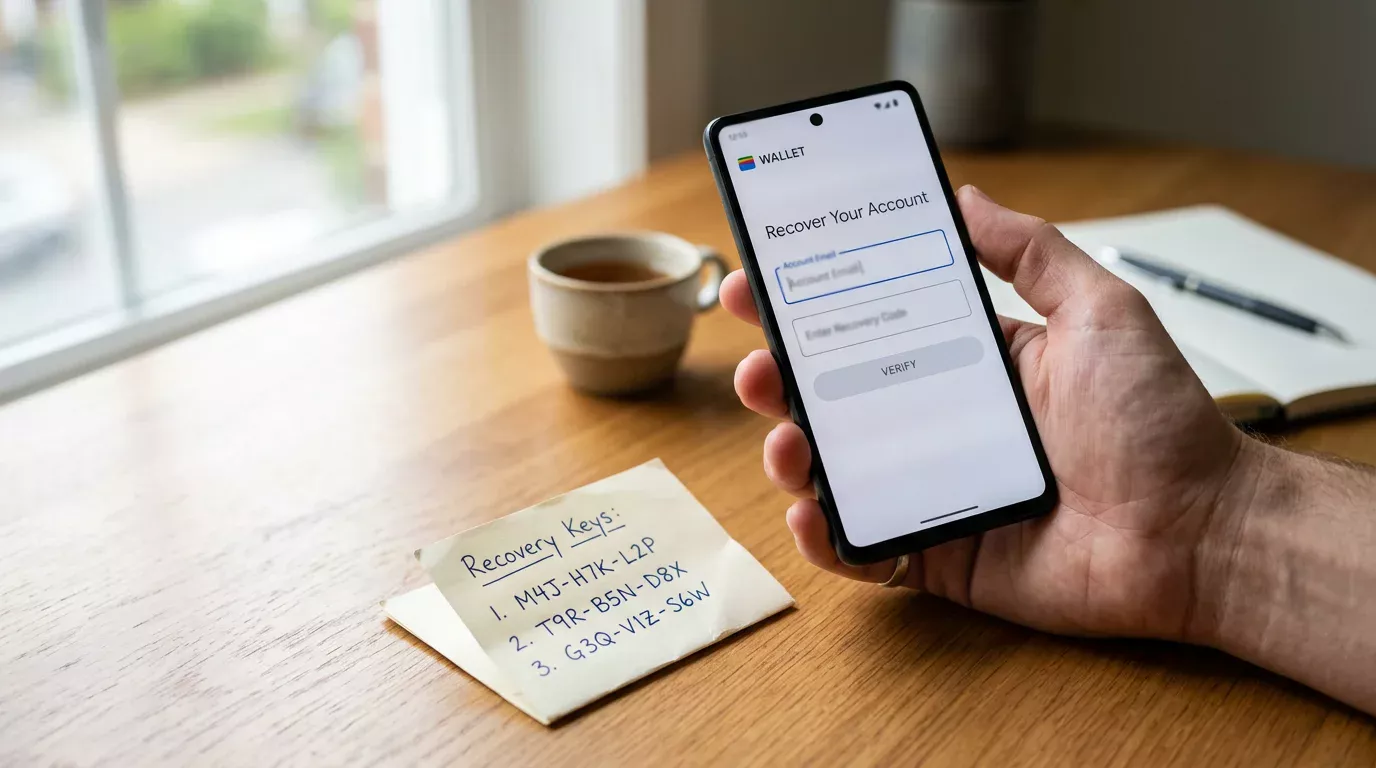
Device loss is the more common scenario. Your phone is stolen, broken, or replaced, and you no longer have access to the authenticator app. Use a recovery code — one of the codes you should have stored at setup — to log into the wallet and disable the lost device’s 2FA from inside the account settings. Set up the new device’s authenticator app immediately, generate fresh recovery codes, and consider revoking any other trusted devices that may have been authorised on the old phone.
Second-factor mismatch happens when the codes you enter are rejected even though they look correct. The most common cause is clock drift on your phone — authenticator apps depend on accurate time, and a phone whose clock is even a minute off the network time will generate codes that the wallet rejects. Check the phone’s date/time setting is “automatic” or matches network time. If the clock is correct and codes still fail, the second cause is the wrong account in the authenticator app; if you have configured Payz under more than one entry, you may be reading codes from the wrong one.
If both recovery codes and authenticator access are lost, the path runs through PSI-Pay’s customer support. The support team will ask for verification — usually government ID matching your account profile, recent transaction details, and possibly a video call. The process takes days, sometimes more than a week. During this time your wallet is functionally locked. The lesson is preventive: store recovery codes the moment you set up 2FA, not the day after you need them.
Prepared by the Paylobby editorial staff.