
Account Opening: ecoPayz Casino Sign Up and Setup Steps
 Available in GB
The phrase “Payz casino sign up” is misleading because there are two sign-ups involved, not one. You sign up to PSI-Pay to get a Payz wallet, and you sign up to the casino to get a player account. The two are independent processes run by different companies under different regulators, and the order matters. Get them in the wrong sequence and your first deposit will stall while one or both providers are still verifying you.
I see this confusion weekly. Readers tell me they “signed up” and the casino is “refusing” their Payz deposit, and the diagnosis almost always is that they completed the casino’s onboarding flow but never finished the Payz wallet onboarding — or vice versa. PSI-Pay operates in 174 countries and serves both casino and non-casino customers; its onboarding is its own process, not an extension of any particular operator’s flow. Let me walk you through the right sequence and the points where the two processes touch.
Initial Wallet Configuration and Registration Steps
Open the Payz account before you do anything on the casino side. The PSI-Pay onboarding takes longer than the casino’s, and starting it first means the wallet is ready when you need it. The flow has four stages, none of which the operator can do on your behalf.
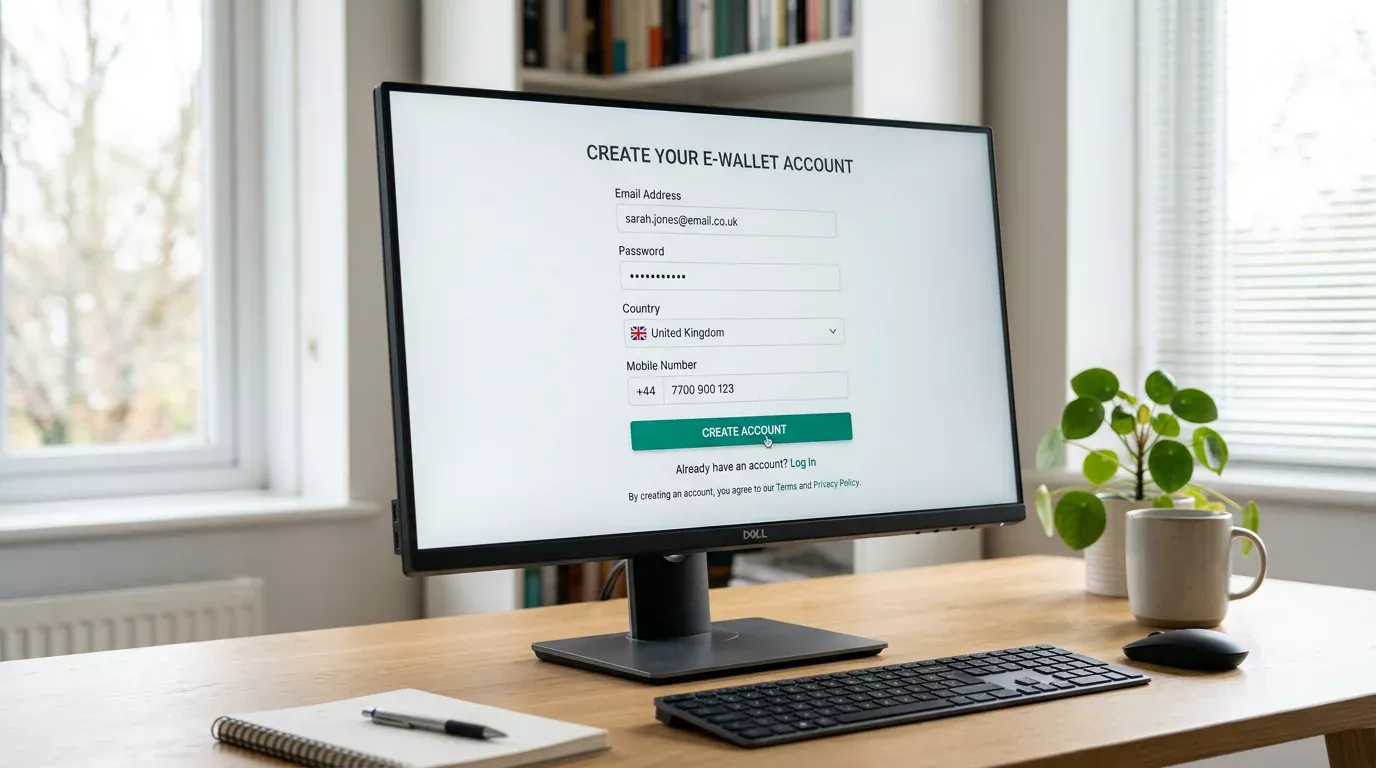
Stage one is the registration form on the Payz site. Email, password, country of residence, mobile number. The country selection is the consequential field — choose UK if you are a UK resident, because the wallet’s KYC tier and the available funding methods change with the country setting. A Payz account created under a different country and used at a UK casino works in some cases and fails in others; the friction is not worth the workaround.
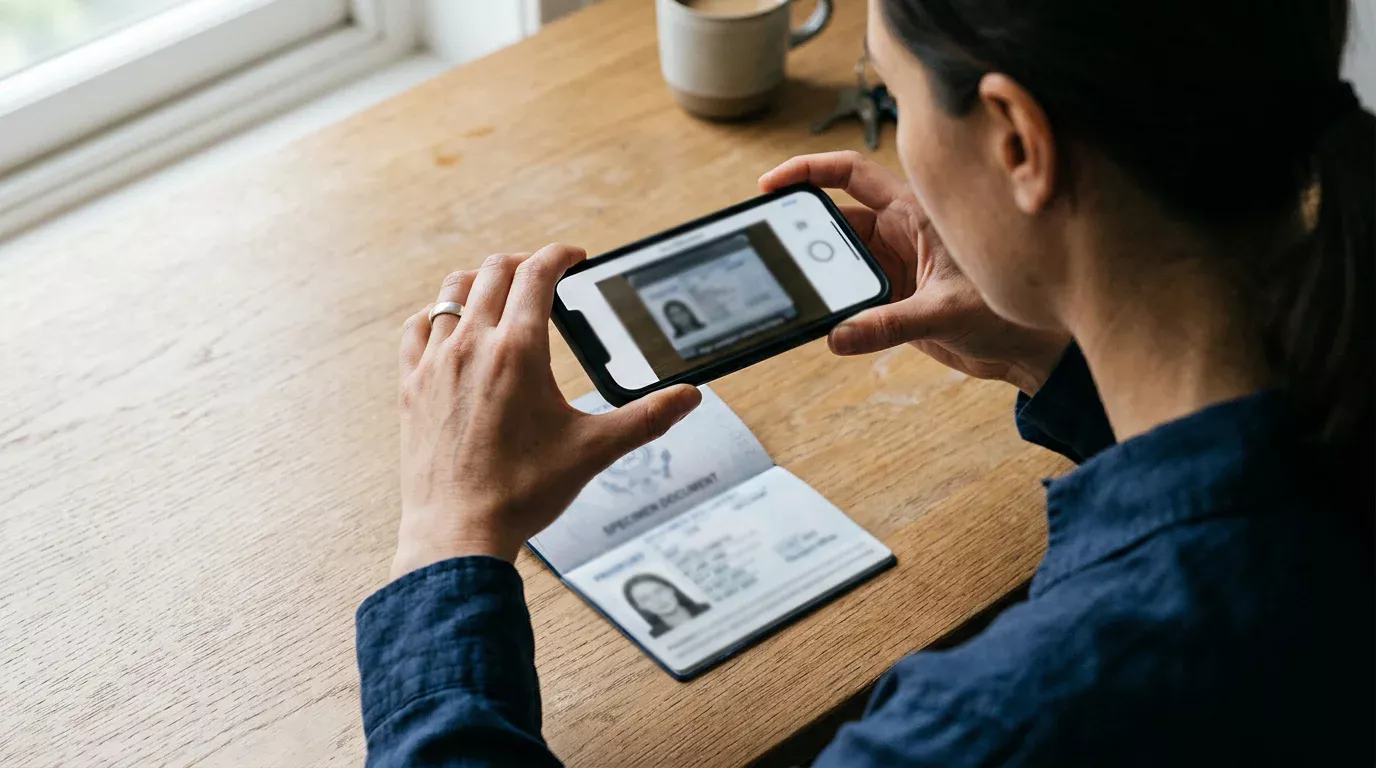
Stage two is identity verification. PSI-Pay asks for a government-issued ID and a proof of address; passport plus utility bill is the path of least resistance, but a driving licence plus a recent bank statement works equally well. Upload through the Payz portal, not by email, and use clear photographs taken in good light. The PSI-Pay backend rejects blurry images and tries to re-prompt rather than fail outright, which adds days to the timeline.
Stage three is the security configuration. The wallet supports 2FA via authenticator app, SMS, or email — set it up before you use the wallet, not after. The transport layer is protected by 256-bit SSL and the platform is PCI DSS compliant, which means the encryption floor is industry standard. The remaining security depends entirely on what you configure at the account level.
Stage four is the first funding. Most UK users link a UK debit card or arrange a bank transfer; both are accepted by the Payz wallet’s UK-region onboarding. Credit card funding is permitted by PSI-Pay but may be blocked by the operator on the casino side, for reasons I cover in detail in my piece on the UK credit card gambling ban. The expected timeline for the full Payz onboarding is 24 to 72 hours when documents are clean; longer if anything has to be re-uploaded.
Funding the Payz Balance for Casino Use
The funding decision sits between Payz onboarding and casino sign-up, and getting it right saves you a stall at the cashier. A few principles to apply.
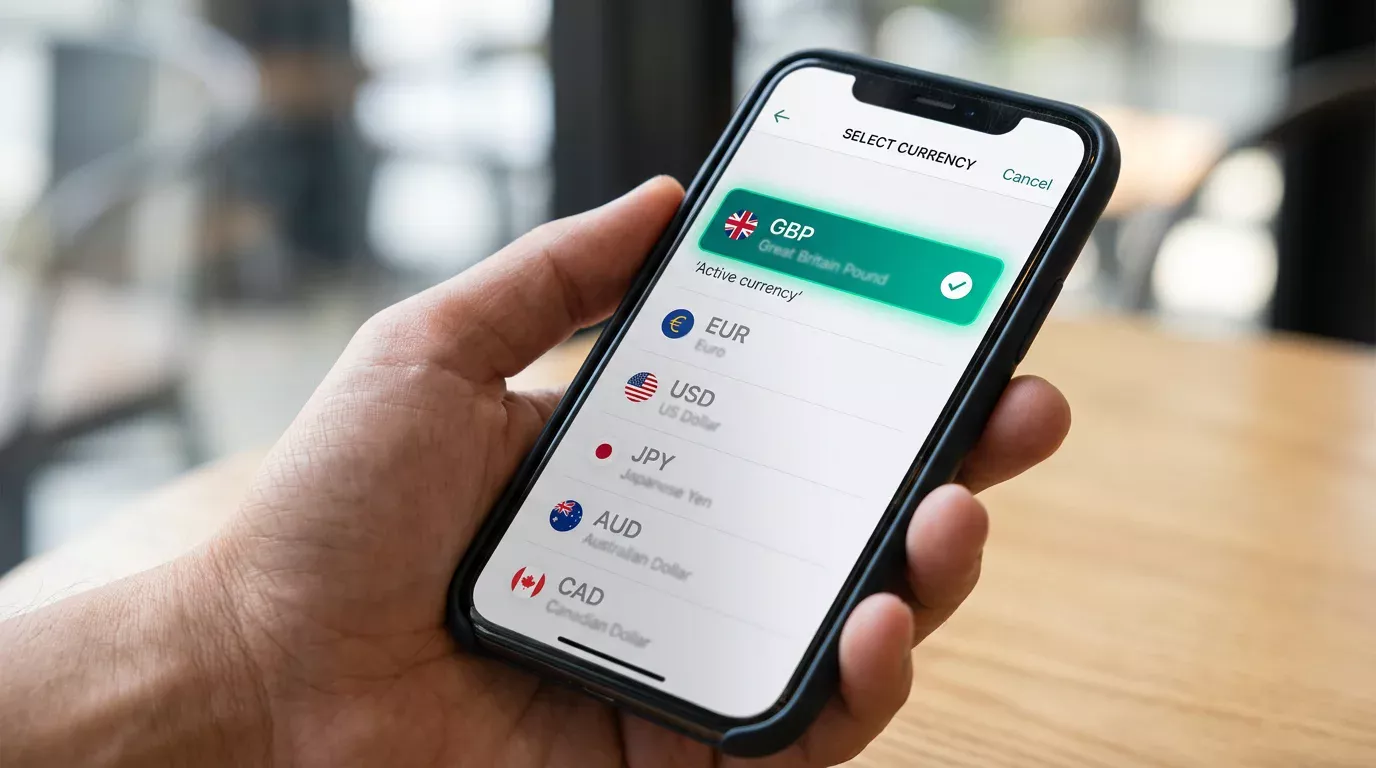
Match the wallet currency to the casino currency. If you play at UK operators, hold a GBP balance. The Payz wallet supports multi-currency holdings, and you can keep EUR or USD alongside, but a GBP balance avoids the 2.99% currency conversion margin that applies to standard-tier accounts when funding a non-GBP transaction.
Fund enough to cover the first deposit and a buffer. A £20 first deposit at a UK casino, paid from a Payz wallet with exactly £20 in it, works in principle but leaves no headroom for any operator-side handling fee or test debit that some cashiers run. £25 to £30 in the wallet is a more comfortable buffer.
Allow the funding source to settle before the casino sign-up. A debit card top-up of the Payz wallet usually clears within minutes; a bank transfer can take one to two business days. Starting the casino flow while the funding source is still settling means the deposit will fail at the cashier and you will spend the rest of the day debugging.
One Payz-specific risk worth flagging. If you fund the wallet from a debit card issued by a bank that flags gambling-related transactions aggressively, the top-up may be reversed even though the merchant on the statement is “PSI-Pay” rather than a casino. Some banks treat any transaction toward a known wallet provider as gambling-related by default. If your wallet top-up reverses, contact your bank rather than Payz; the issue is on the issuing bank’s side.
Signing up to the Casino and Linking Payz
The casino sign-up is the simpler of the two flows. UK operators are required by their UKGC operating licence to collect specific information — full legal name, date of birth, address, contact details, source-of-funds prompts on higher deposits — and they run those details against the standard age and identity checks at registration.
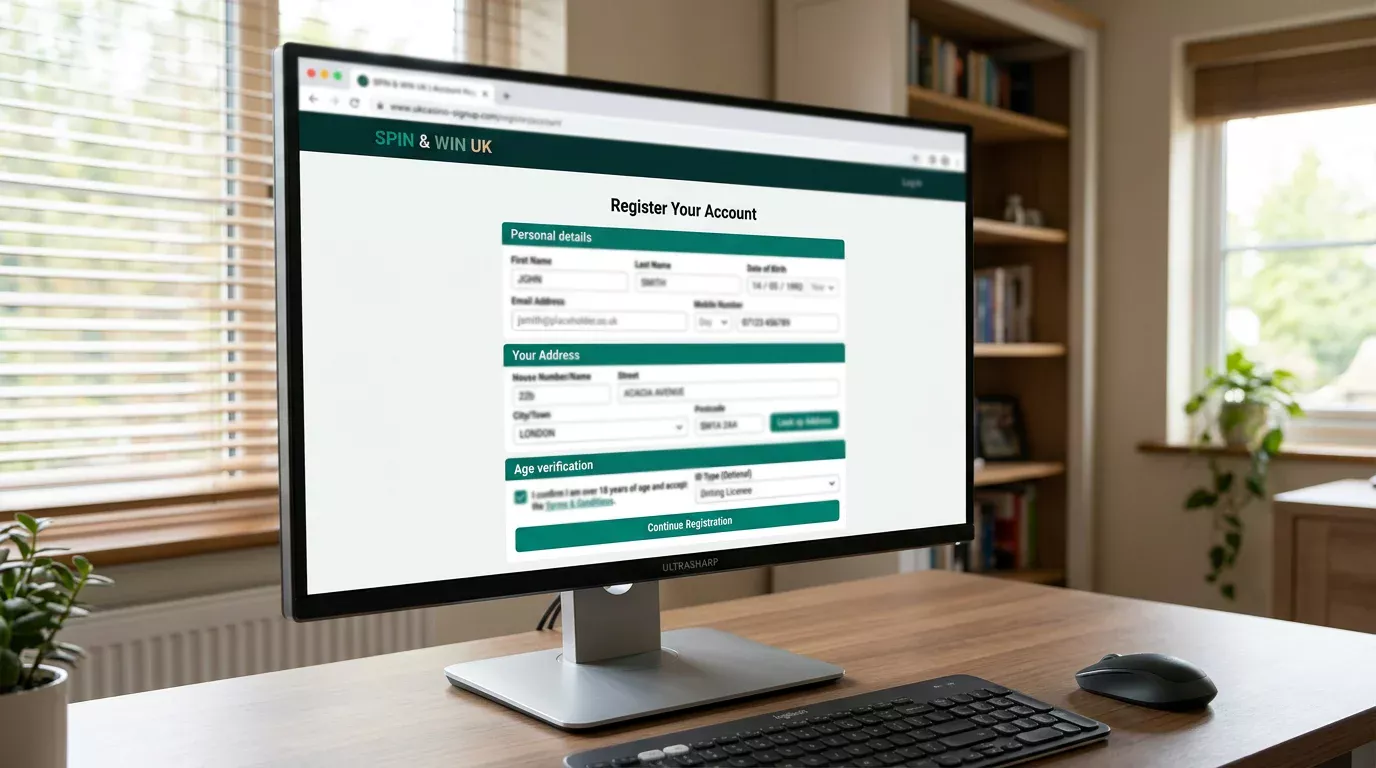
Two points where the casino sign-up touches Payz. First, the email address you register with should match the email on your Payz wallet. The operator’s risk engine cross-references the two when the first deposit comes in, and a mismatch triggers an additional check that can add hours to the deposit timeline. Use the same email for both accounts unless you have a strong reason not to.
Second, the name and address on the casino account must match the name and address on the Payz wallet exactly. Discrepancies between “James” and “James Adam” or between an old address and a current one cause the most rejected deposits in the first 48 hours of a new account. The operator’s KYC compares the depositor’s wallet identity to the player’s casino identity, and any difference triggers a manual review.
The cashier itself takes seconds to link the wallet. Select Payz, enter the wallet email or scan the displayed code, confirm the amount, authorise from the Payz app or web portal. The first transaction is the one that runs through full verification on both sides; subsequent transactions are faster because the linkage is cached.
Where the Two Verifications Overlap
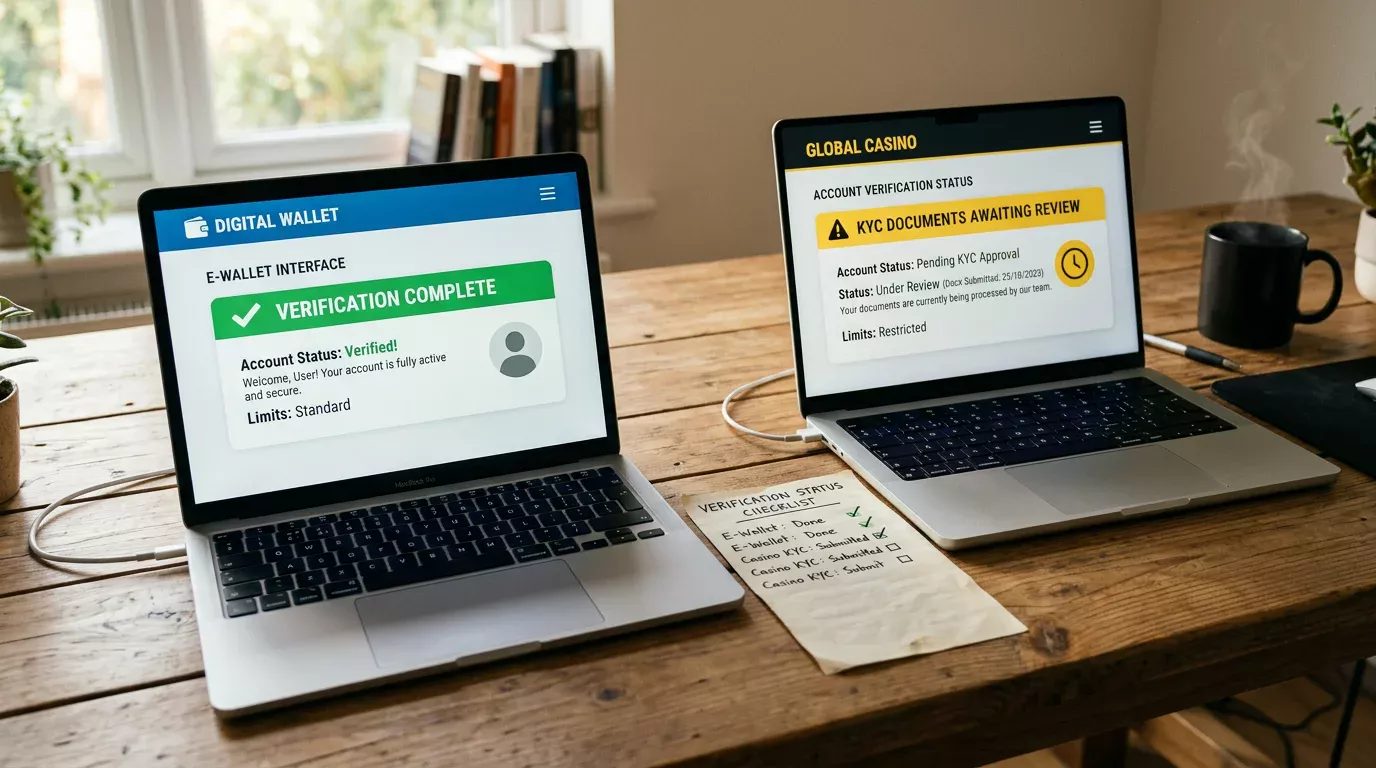
This is the section that saves the most pain. Payz verifies you under FCA-supervised e-money rules. The casino verifies you under UKGC licensing rules. The overlap is partial.
The casino does not accept Payz’s identity verification as a substitute for its own. Even if you completed full KYC on the wallet two years ago, the operator runs its own ID check at registration and may run an enhanced check when your deposits or activity cross thresholds. The £150 financial vulnerability threshold that came into force on 28 February 2025 is one such trigger, and it applies regardless of how thoroughly Payz has verified you. A deeper walk-through of the casino-side checks lives in my guide to ecoPayz casino verification.
The reverse is also true. Casino-side verification does not satisfy PSI-Pay’s e-money requirements. If your Payz account is in initial Classic tier and you have not completed full wallet verification, certain operator deposits will hit Payz-side limits even though the casino is willing to accept the transaction. The mismatch surfaces as a cashier error message that often blames the casino but actually originates with PSI-Pay.
The practical guidance. Complete full Payz wallet verification before you make a first deposit, even if you only intend to play small amounts. The verification raises your Payz tier limits, removes the per-month transaction caps that constrain Classic users, and ensures that the operator’s request to PSI-Pay does not bounce on the wallet side. The casino’s own verification then runs in parallel, and the two processes finish around the same time.
A small practical detail. Some operators ask for a screenshot of your Payz wallet showing your name and email as part of source-of-funds verification on first withdrawal. This is not unusual and is not a red flag; it is the operator confirming the wallet identity matches the player identity. The screenshot should show your name, your wallet ID, and the date — not your balance or transaction history. Crop accordingly.
Prepared by the Paylobby editorial staff.